
Stamps & postcards for iPhone
Pocket your moment.
Snap a photo, punch it into a little stamp, and post it to a friend on a postcard you decorate yourself.
iPhone · iOS 17 or later
What's inside
Little stamps, real postcards
Pocket your moments
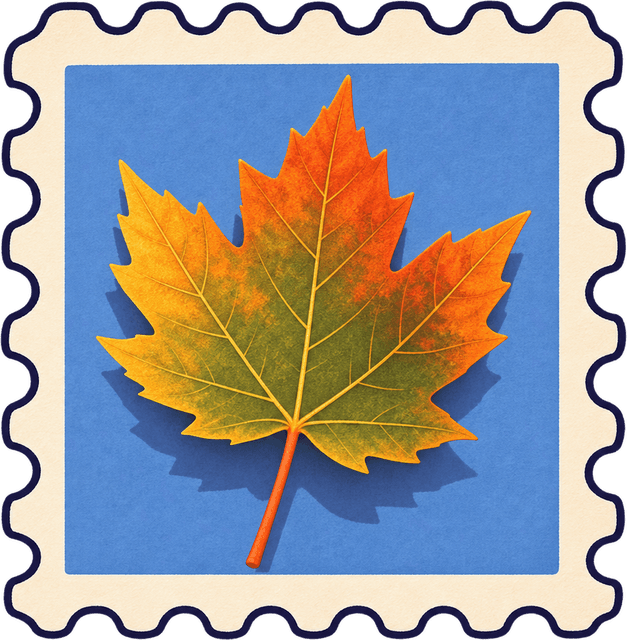
Snap a photo and punch it into a little stamp.
Send postcards
Pick a picture, add a stamp, and write on the back.
Your own postbox
Friends post cards straight into your postbox.
Collect & keep
Keep every card on your rack and every stamp in your journal.
How it works
From photo to stamp
A tiny workbench lives in your pocket: an instant camera, a stamp puncher and a journal to keep them in.
Capture
Take a photo with the little instant camera, or pick one from your library. A print slides out of the slot.
Align
Feed the print into the puncher and look through the stamp-shaped die. Drag and pinch until it's just right.
Punch
Pull the lever down. Chunk! Out flips a scalloped stamp with your exact crop.
Collect
Give it a caption, file it in an album and watch it land in your journal.
- Sam's Postbox
- 12 Teapot Lane
- Pocklet
Postcards
Write on the back, then post it
- Use your own photo or one of the illustrated designs
- Stamp it with any stamp from your journal
- Draw, write and add photos cropped to hearts, stars and more
- Add where you sent it from, then post it to one friend or several
Cards land in your friends' postboxes. They can keep them on their rack or tuck them away in the postbox.
Kept safe
Your moments stay yours
Your original stays private
When a stamp goes on a postcard, only its crop is shared — never the rest of the photo.
Location is off by default
It's only used when you add where a card is sent from, and only the place you confirm is saved.
Delete any time
Settings › Delete account removes your account and private data from your iPhone and the server.
Start your stamp journal
Your first stamp is one photo away.